A zero trust security model is an approach to computer security that assumes no user, device, or program is safe by default — even one already inside the company's network. Every request to reach a file, an app, or a database has to prove who it is and why it needs access, every single time. The name comes from the motto that drives it: never trust, always verify.
For most of the internet's business era, companies did the opposite. They built a hardened perimeter — the office firewall — and treated everything behind it as friendly. That worked when employees sat in one building and their files sat in one server room. It stopped working when work moved to laptops, phones, cloud apps, and home Wi-Fi. Once the valuable stuff lives in dozens of places and the people reach it from dozens more, a single wall in front of the office is guarding a door that nobody uses.
This matters to anyone who works at a startup or a growing company, not just the people running the servers. Zero trust decides how you log in, what you can reach from your laptop, and what happens to your access the day you change roles or leave. It also decides how much damage one stolen password can do. Readers following this should also see What Is a SAFE? How Startup Convertible Equity Actually Works.
What was the old model, and why did it fail?
The old approach is often called the castle-and-moat model. Picture a medieval castle: thick walls outside, open courtyards inside. A firewall sat at the network's edge and blocked strangers. Anyone who got past it — an employee, a contractor, or an intruder with a stolen login — could usually move around inside with little friction.
That trust was the flaw. Attackers rarely break down walls anymore; they log in. A phished password, a compromised laptop, or a tricked employee gets them inside the moat, and the old model hands them the run of the place. Once they're in, they can wander from an unimportant marketing folder to a customer database, because the network never asked them to prove anything again after entry.
Remote work finished the argument. When half the workforce connects from coffee shops and the other half's files live in cloud services the IT team doesn't directly control, the idea of a single edge to defend quietly dissolves. There is no moat left to patrol.
How does zero trust actually work?
Zero trust replaces the wall with a series of checkpoints. Instead of asking "are you inside the network?" it asks four smaller questions before each request:
- Who are you? Identity is verified with strong sign-in — typically a password plus a second factor such as a phone prompt or a security key, a practice known as multi-factor authentication.
- What device are you using? The laptop or phone is checked: is it managed by the company, patched, and free of known problems?
- What are you asking for? Access is granted per application or per resource, not to the whole network at once. A designer who needs the design tool doesn't automatically reach the billing system.
- Does this request look normal? Context matters. A login from the usual city on the usual laptop is routine. The same account from another country asking for an unusual file is a signal to stop and re-check.
The guiding principle behind the access decisions is "least privilege": people get the minimum access their job requires, and nothing more. When that rule holds, a stolen password unlocks one door, not the building.
One more piece matters: re-verification. Under zero trust, passing a check once doesn't buy you a permanent pass. Sessions are short, and access is re-evaluated as circumstances change — a new device, a new location, a new role.
What does this look like for an employee?
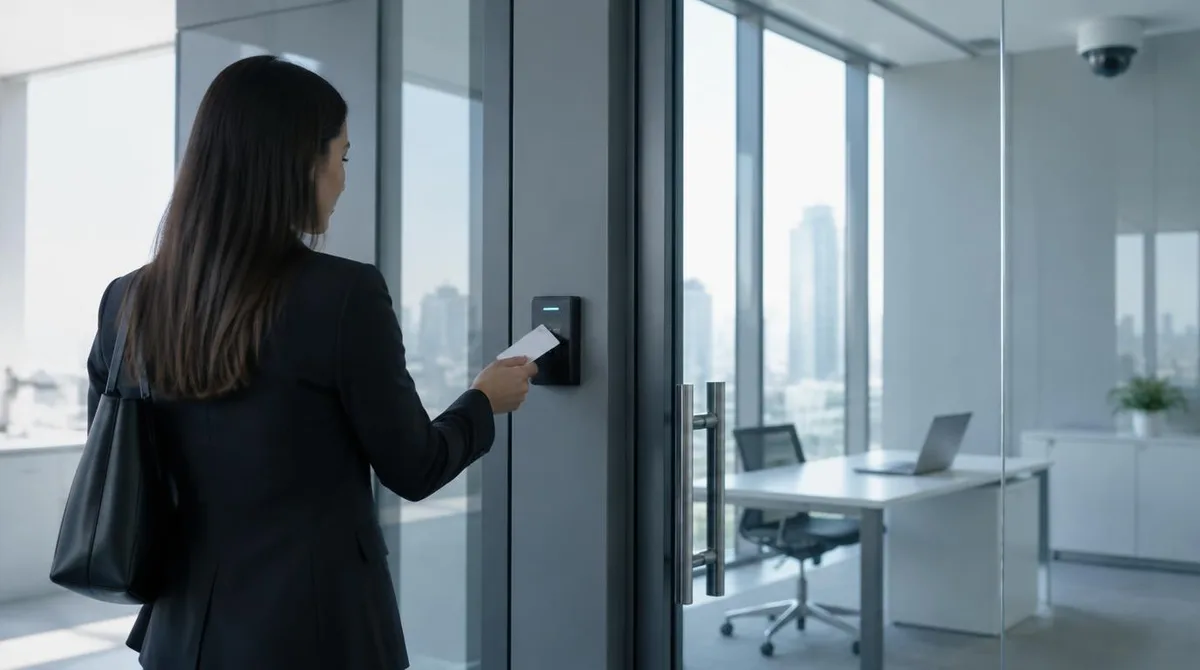
If your company runs on zero trust, you feel it in small ways. You sign in to each work app through a single identity provider, and you confirm it's you with a second step — a code, an app approval, or a hardware key. You might be asked to re-confirm when something about the request looks different. You probably can't reach internal tools from a personal device at all.
The payoff is mostly invisible until it isn't. If your credentials are phished, the attacker gets a locked door, because they can't produce your second factor. If a coworker's laptop is infected, the malware is boxed into that person's limited slice of the company rather than the whole network. The security team's job shifts from guarding a border to watching identities and devices — which is where the actual attacks happen.
There's a human cost to be honest about. More checkpoints mean more prompts, and prompts train people to click "approve" out of habit. A zero trust rollout that ignores this trains its own weakness. The good versions keep the friction low for normal behavior and reserve the hard checks for the unusual.
Why should startup people care?
Startups used to skip this. Ten people in one room, everyone trusted, security deferred to "after the funding round." That instinct made sense under the old model, because the old model required expensive equipment and a dedicated team.
Zero trust changes the math. Its core pieces — identity sign-on, multi-factor authentication, per-app access — are now subscription services rather than server racks. A small company can adopt the essentials in weeks, and many do, because their enterprise customers demand it before signing contracts. Security questionnaires from big buyers increasingly ask not "do you have a firewall?" but "how do you verify access?" The answer "everyone's on the same network" no longer scores points.
There's also the survival angle. Small companies are not too minor to be hit; they're often easier targets precisely because their access controls are loose. We've covered how a single hijacked phone number can escalate into a full account takeover in our explainer on SIM Swap Attacks: The Heist That Steals Your Number — the same "one credential, total access" logic that zero trust is built to break. We covered a connected angle in SIM Swap Attacks Explained: The Heist That Steals Your Number.
What has to be true for it to work?
Our analysis: zero trust is less a product you buy than a discipline you keep, and its weak points are predictable. It needs an accurate list of who works at the company and what each role requires — access reviews rot fast when nobody owns them. It needs device hygiene, because verifying an unpatched laptop verifies nothing useful. And it needs execs to accept the friction themselves; a model that exempts leadership is a model that exempts the most-targeted people in the building.
The honest limitation is that zero trust reduces the blast radius of a stolen credential. It doesn't stop a phishing email from arriving, and it doesn't fix an employee who approvingly hands over a second factor to a convincing caller. Controls shrink the damage; they don't abolish the con. That's why the access architecture works best alongside the boring fundamentals — training, patching, and backups — rather than instead of them.
None of this requires running servers. It requires deciding, as a matter of policy, that nobody inside or outside the company gets the benefit of the doubt. That is the whole idea. The rest is plumbing.